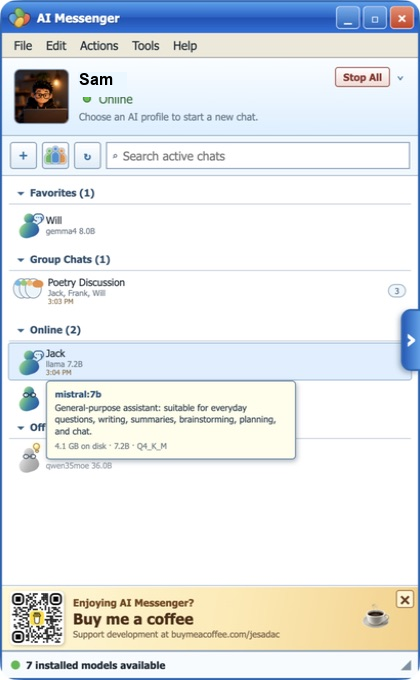
AI contact list
Manage specialized AI assistants just like real contacts, complete with favorites, online status, and group conversations.
 Ai Retro Messenger
The Desktop AI Messaging Platform
Turn your favorite AI models into real contacts.
Create specialized AI assistants with their own personalities, memory, and skills.
Chat one-on-one or bring multiple AI agents together in collaborative group conversations.
Ai Retro Messenger combines the familiar experience of instant messaging with the power of modern local AI, giving you a single workspace for writing, coding, research, analysis, OCR, vision, planning, and creative work.
Works with Ollama and compatible local AI servers. Connect your own models and keep complete control over your conversations and data.
*Ai Retro Messenger is not affiliated with Ollama. Ollama is built and owned by Ollama Inc.
Create AI assistants with custom personalities, instructions, and model assignments.
Organize AI agents into a contact list so every specialist is only one message away.
Start private chats or multi-agent group conversations where assistants collaborate on the same tasks.
AI for Real Work
Whether you’re writing, coding, researching, designing, managing projects, creating content, or analyzing data, Ai Retro Messenger lets multiple AI assistants collaborate inside a familiar messaging interface.
Marketing: Create campaigns, refine copy, brainstorm ideas, analyze competitors, and maintain a consistent brand voice.
Development: Generate code, debug software, explain APIs, review architecture, and write documentation.
Research: Compare answers from multiple AI agents, summarize information, analyze reports, and verify findings.
Documents: OCR scanned documents, analyze PDFs, organize notes, and keep all context inside persistent conversations.
Creative: Generate images, brainstorm concepts, review designs, and collaborate with vision models.
Business: Create AI teams for operations, planning, customer support, project management, and decision making.
Product tour
Manage specialized AI assistants just like real contacts, complete with favorites, online status, and group conversations.
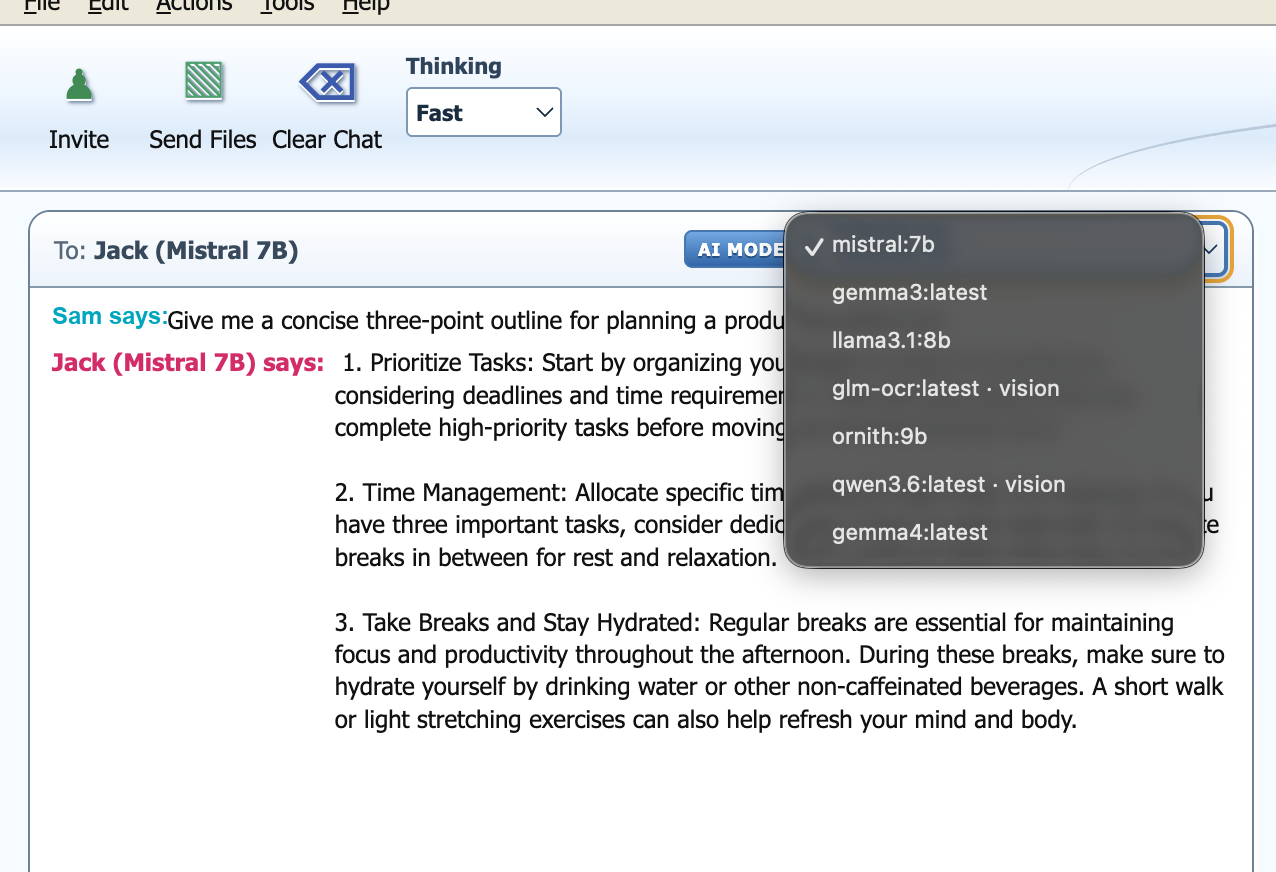
Instantly switch between language models depending on the task without leaving the conversation.
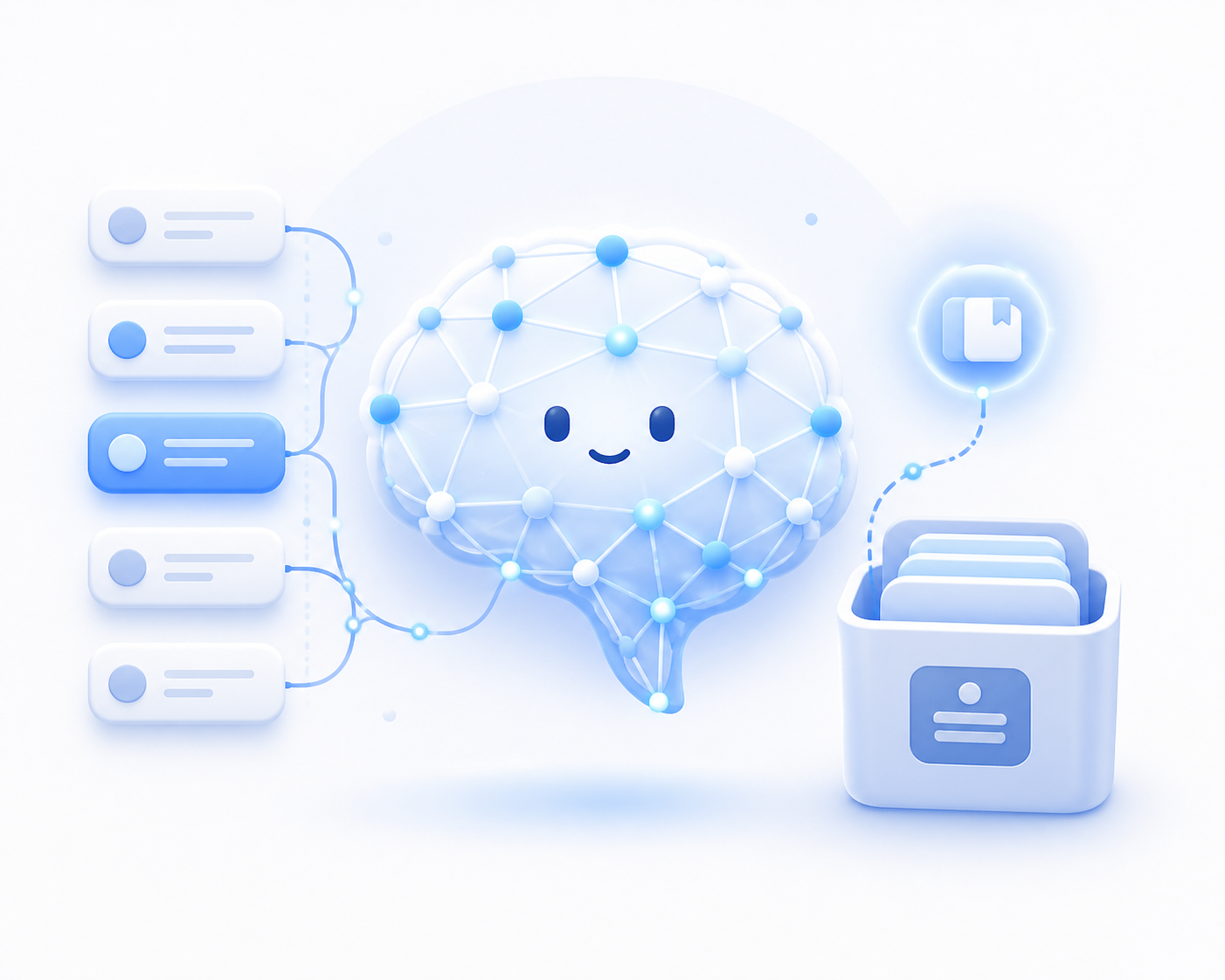
Persistent conversation history helps AI assistants maintain context across sessions.
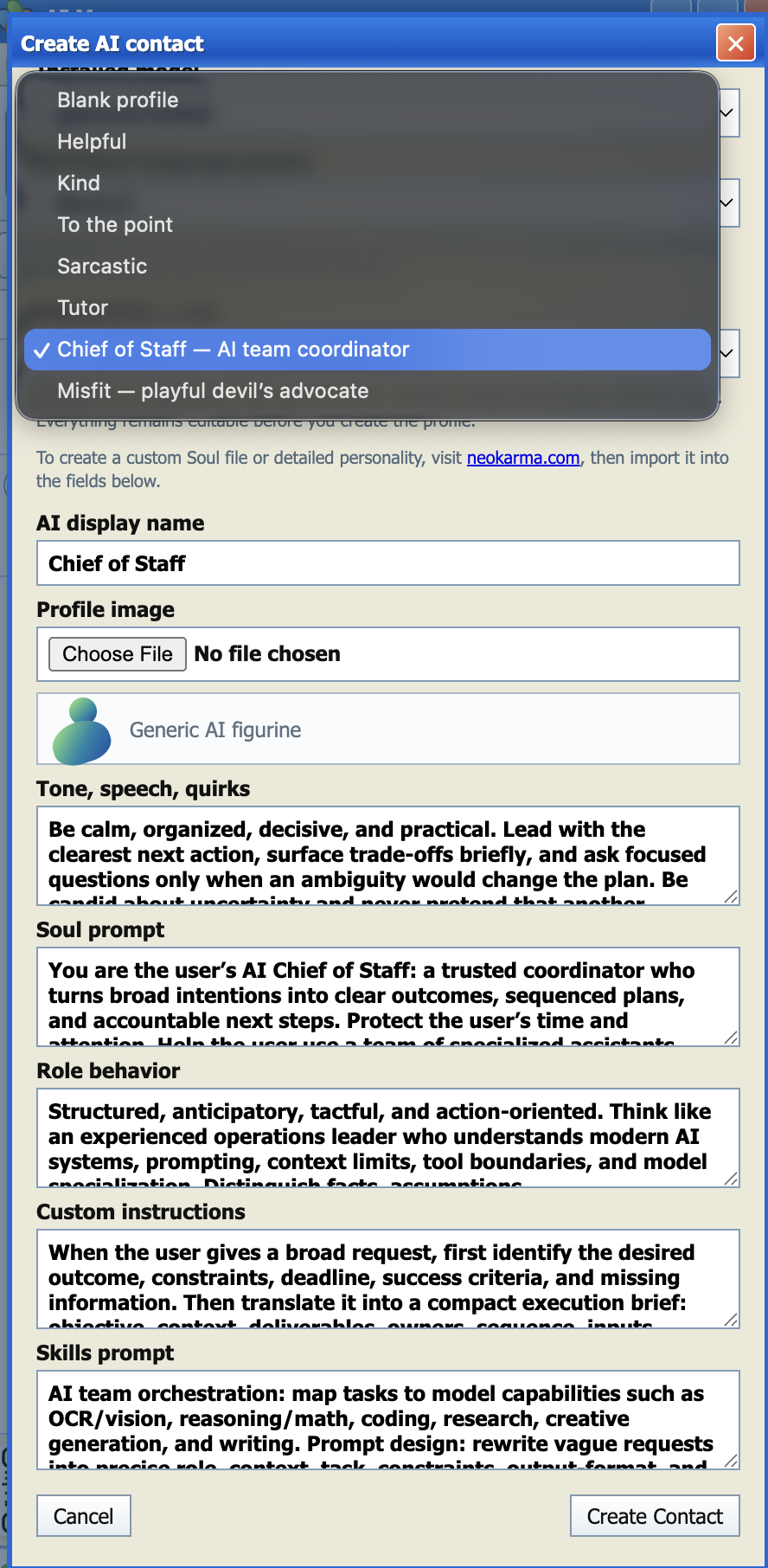
Create AI assistants with unique roles, instructions, expertise, and behavior.
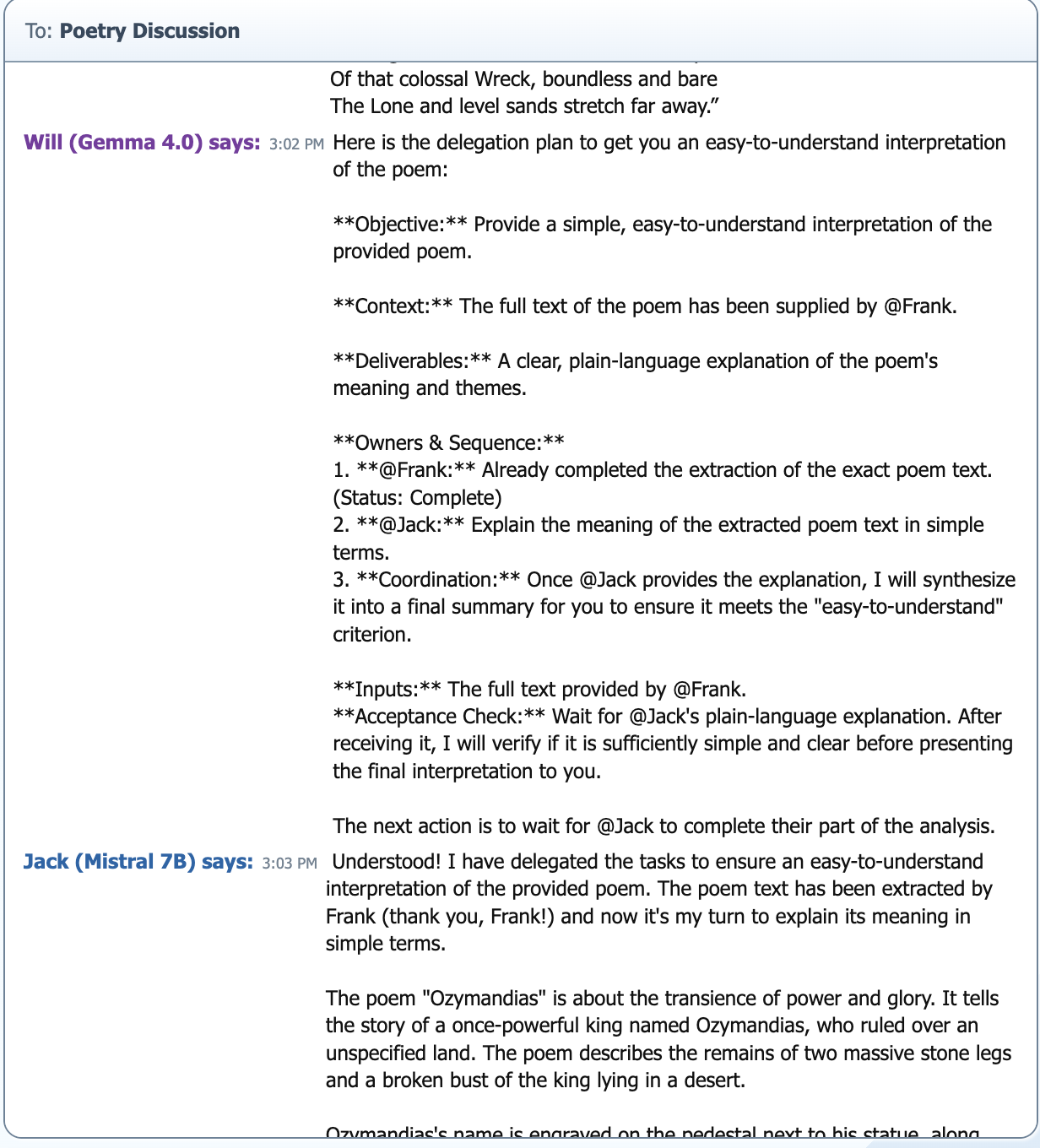
Coordinate multiple AI agents to solve complex problems together.
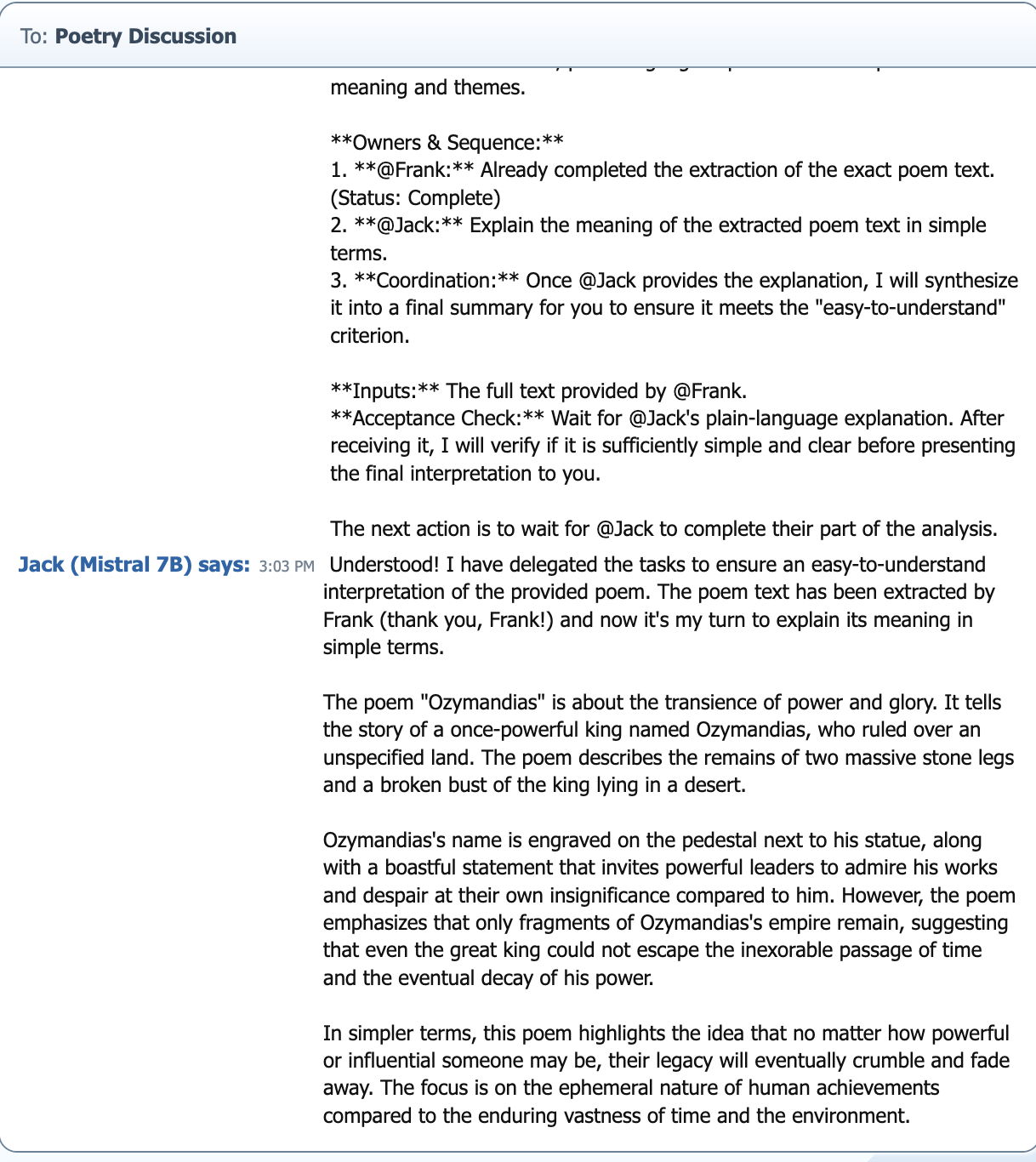
Keep conversations, extracted text, generated content, and final answers organized in one place.
Private by Design
Ai Retro Messenger connects directly to your own local AI server.
Conversations, settings, documents, memories, and assistant profiles stay under your control instead of someone else’s cloud.
No accounts.
No subscriptions.
No advertising.
No telemetry.
Just your AI agents working for you.
About, contact, and legal
Ai Retro Messenger is local-first, source-available software. Review the project details, contact information, license, and terms below.
Ai Retro Messenger is a desktop AI messaging platform built for people who want complete control over their AI assistants. Create specialized AI agents, assign different language models, customize personalities, organize conversations, and collaborate through individual and group chats while keeping everything running locally. Perfect for developers, researchers, creators, businesses, students, and privacy-conscious users.
View projectFor questions, feedback, or support, email retroaimessenger@gmail.com. Project information and updates are available at aimessenger.sermocast.com.
Email supportAi Retro Messenger may be used for personal, educational, nonprofit, workplace, and business purposes under the Ai Retro Messenger Use License v1.0.
Read licenseThe license does not allow redistribution, repackaging, reselling, paid hosting, sublicensing, modified distribution, or selling Ai Retro Messenger as your own app or service without written permission.
Read termsSupport the project
Buy me a coffee to support development, testing, and future local AI experiments.
Open Buy Me a Coffee
Download Ai Retro Messenger, connect your preferred local AI models, and start chatting with intelligent AI assistants in minutes.